
OpenShift Data Foundation 4.22 shipped this week, and since ODF is what actually backs the block storage under most of this cluster — Loki and Mimir ingesters, the Grafana DB, the CNPG and Percona volumes, pgAdmin, Authentik’s Redis, ntfy, Semaphore, code-server, an AlmaLinux VM disk — a version bump on it is one of the few changes I don’t do casually. Storage is the layer where “it mostly worked” turns into “I’m restoring from backups.” I lost this Ceph cluster once already in June and had to rebuild it from an OSD recovery session; I’m not eager for a rerun.
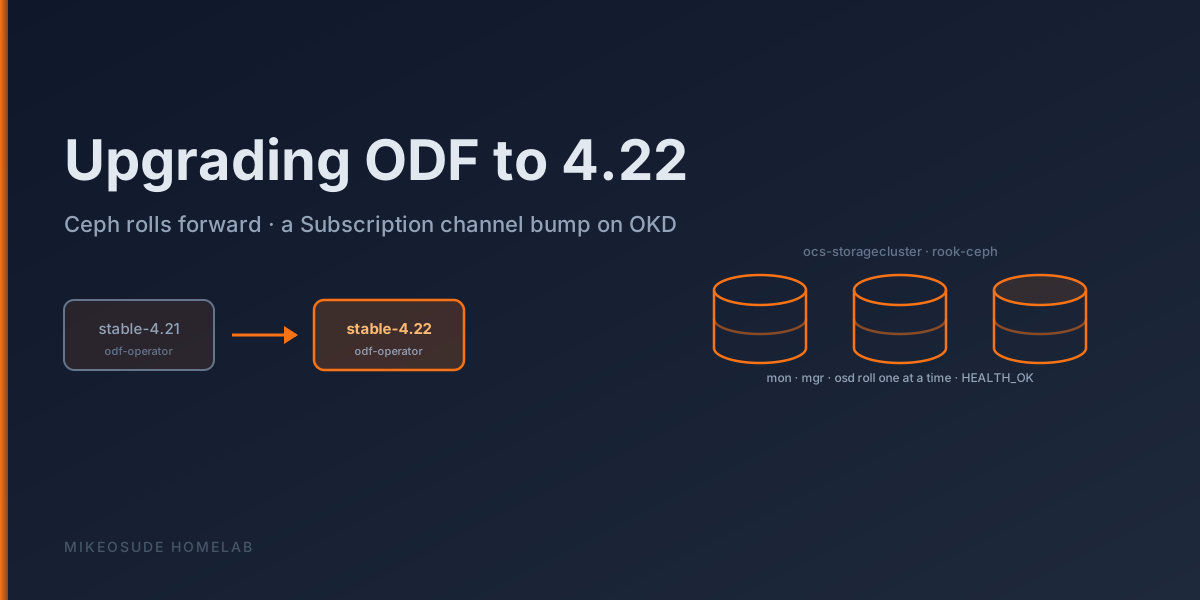
This post is the runbook I follow to go from ODF 4.21 to 4.22 on this box, plus the pre-flight and post-flight checks that are specific to how this cluster is wired, not the generic Red Hat doc.
What’s actually new in 4.22 #
ODF versions track OpenShift versions one-for-one, so “ODF 4.22” is the Data Foundation build aligned to OpenShift/OKD 4.22. I’ll keep the feature commentary honest and general here rather than reciting a feature list I can’t verify line-by-line — go read the official release notes for the exact matrix. The parts that matter for a homelab:
- A newer Ceph under the hood. Every ODF minor pulls the Rook and Ceph versions forward. That’s the substance of the upgrade for me — the operator glue barely changes, but the OSD/MON/MGR daemons roll to a newer Ceph release. This is also where the risk lives, because it’s a live data path getting restarted.
- Continued CSI / csi-addons maturation. The ceph-csi provisioner and node plugins move forward; snapshot and clone behaviour keeps getting more reliable.
- Operator and observability polish. The
odf-operator→ocs-operator→rook-ceph-operatorchain and the Data Foundation dashboards get incremental improvements each release.
The enterprise headline features every cycle — Regional/Metro-DR, external-mode tuning, multicloud object gateway scale — don’t touch a single-node-ish homelab Ceph, so I skip them.
How storage is laid out on this cluster #
Two Ceph-backed StorageClasses coexist here, which is worth stating plainly before touching anything:
ocs-storagecluster-ceph-rbd— the ODF-provisioned RBD class, from theocs-storageclusterStorageCluster in theopenshift-storagenamespace. This is what almost everything new binds to (oc get pvc -A | grep ocs-storageclusteris a long list).rook-ceph-ssd— a legacy upstream Rook-Ceph class from before the ODF migration. Still referenced by a handful of PVCs. Same physical disks, different management plane. The ODF upgrade does not touch this one; keep that in the back of your head when you reason about blast radius.
ODF here is managed by OLM in openshift-storage, so the upgrade isn’t a GitOps sync, it’s a Subscription edit — deliberately, because I don’t want anything self-healing a storage operator mid-rollout.
The physical layout is modest and, frankly, has been fragile: OSDs spread across local SSDs on the nodes, provisioned via the Local Storage Operator’s LocalVolumeSet. A thin mon/mgr footprint means a mon restart during the upgrade is a brief but real IO stall for every RBD volume. Know that going in.
Pre-upgrade checks #
Do not skip these. The June incident started from a Ceph that was already unhappy before I poked it.
1. Ceph must be genuinely healthy. Not “HEALTH_WARN, probably fine” — actually clean. From the tools pod:
oc -n openshift-storage rsh $(oc -n openshift-storage get pod -l app=rook-ceph-tools -o name | head -1) \
  ceph status
oc -n openshift-storage rsh $(oc -n openshift-storage get pod -l app=rook-ceph-tools -o name | head -1) \
  ceph health detail
You want HEALTH_OK, every PG active+clean, no backfilling/recovering/degraded, and no near-full OSDs. If a PG is anything other than active+clean, stop and fix that first — an upgrade on top of a recovering cluster is how you turn one problem into two.
2. Confirm the current version and the target channel.
oc -n openshift-storage get csv                       # expect odf-operator.v4.21.x etc., all Succeeded
oc -n openshift-storage get subscription odf-operator -o jsonpath='{.spec.channel}{"\n"}'  # stable-4.21
oc -n openshift-storage get storagecluster ocs-storagecluster -o jsonpath='{.status.phase}{"\n"}'  # Ready
3. Mind the etcd footgun. This cluster’s control plane has bitten me on quorum before — an operator upgrade reschedules pods and can briefly pressure the control plane, and if a control-plane node hiccups while etcd is short a member, writes stop cluster-wide. Confirm every etcd member is healthy before you start, and don’t run this during any other maintenance:
oc -n openshift-etcd get pods -l app=etcd4. Take backups first. Storage upgrades are the one place I always stage a rollback locally:
- etcd snapshot to the workstation (the standard
etcd_backup/dance). - Logical DB dumps for the stateful apps whose volumes live on ODF — Percona (
mysqldump --single-transaction) and CNPG (pg_dump -Fc). These are the things I actually can’t re-derive. - A live RBD snapshot is no substitute for the logical dumps during a mon restart window; the dumps are your real safety net.
**5. Read the room on “stuck.” ** Learned this the hard way during an earlier control-plane upgrade: OpenShift/OLM will happily sit in Progressing for a long while waiting for a dependent operator to report healthy, and that is correct behaviour, not a hang. Don’t start yanking things because a CSV sits in Installing for ten minutes.
The upgrade #
ODF is OLM-managed, so the whole thing is a channel bump plus (if the subscription is on manual approval) an InstallPlan approval. This is the actual sequence on this cluster.
1. Bump the Subscription channel.
oc -n openshift-storage patch subscription odf-operator \
  --type merge -p '{"spec":{"channel":"stable-4.22"}}'
(Same thing via the console: Operators → Installed Operators → OpenShift Data Foundation → Subscription → change channel to stable-4.22.)
2. Approve the InstallPlan if the subscription is Manual (mine is — I don’t want storage upgrading itself unattended):
oc -n openshift-storage get installplan
oc -n openshift-storage patch installplan <name> --type merge -p '{"spec":{"approved":true}}'
3. Watch the operator chain roll. ODF is a meta-operator; approving it cascades to ocs-operator, rook-ceph-operator, mcg-operator, and odf-csi-addons-operator. Watch the CSVs flip:
watch oc -n openshift-storage get csvThey’ll pass through Replacing/Installing and settle on Succeeded at 4.22.x.
4. Let Rook roll the Ceph daemons. Once rook-ceph-operator is on 4.22 it orchestrates the Ceph version bump: mgr first, then the mon(s), then OSDs one at a time, then MDS/CSI. Keep a ceph status open in another pane:
oc -n openshift-storage rsh $(oc -n openshift-storage get pod -l app=rook-ceph-tools -o name | head -1) \
  ceph status
Expect a transient HEALTH_WARN while daemons cycle — that’s normal. The thing to brace for on a thin-mon homelab: when Rook restarts the mon, RBD IO pauses briefly cluster-wide. Anything doing a synchronous write at that instant (a database fsync) may log a blip. It recovers on its own; just don’t panic-restart pods during the window.
Post-upgrade verification #
1. Every operator on 4.22, everything Succeeded:
oc -n openshift-storage get csv
oc -n openshift-storage get storagecluster ocs-storagecluster    # PHASE Ready
2. All Ceph daemons actually moved:
oc -n openshift-storage rsh $(oc -n openshift-storage get pod -l app=rook-ceph-tools -o name | head -1) \
  ceph versions
Every mon/mgr/osd/mds line should report the new Ceph version — no stragglers on the old one. Then confirm health returned all the way to clean:
oc -n openshift-storage rsh $(oc -n openshift-storage get pod -l app=rook-ceph-tools -o name | head -1) \
ceph statusHEALTH_OK, all PGs active+clean. If it’s stuck in WARN, ceph health detail will name the daemon.
3. Prove the CSI path with a throwaway PVC. The whole point of ODF is that apps can bind and write, so test exactly that:
oc -n default apply -f - <<'EOF'
apiVersion: v1
kind: PersistentVolumeClaim
metadata: { name: odf-upgrade-smoketest, namespace: default }
spec:
  accessModes: [ReadWriteOnce]
  storageClassName: ocs-storagecluster-ceph-rbd
  resources: { requests: { storage: 1Gi } }
EOF
oc -n default get pvc odf-upgrade-smoketest      # should reach Bound quickly
oc -n default delete pvc odf-upgrade-smoketest
A provisioner that’s alive will Bound it in seconds. If it sits Pending, check the CSI pods:
oc -n openshift-storage get pods | grep -E 'csi|provisioner'4. Confirm the tenants that ride the class came back healthy. The apps I look at specifically, because they’re the ones that hurt if a volume went read-only under them: the Loki and Mimir ingesters (are metrics/logs still landing?), Grafana, the CNPG/Percona databases (SELECT 1 and a row count against a known table), and pgAdmin. If those four families are green, the upgrade stuck.
5. Nothing regressed on the legacy class. Quick sanity check that rook-ceph-ssd PVCs — the pre-ODF holdouts — are still Bound. The ODF upgrade shouldn’t have touched them, and confirming that is thirty seconds well spent.
Reflection #
The ODF upgrade itself is anticlimactic when the cluster is healthy going in — a channel patch, an InstallPlan approval, and twenty minutes of watching daemons cycle. The whole game is in the pre-flight. This cluster’s storage sits on local-disk OSDs that have already failed on me once, on top of a control plane that’s bitten me on quorum, so the discipline is: prove it’s clean, take the logical DB dumps, do it when nothing else is going on, and don’t confuse OLM’s patience for a hang.
Next storage job on the list is finishing the retirement of the old rook-ceph-ssd class so there’s only one Ceph management plane to reason about — but that’s a migration post, not an upgrade one.